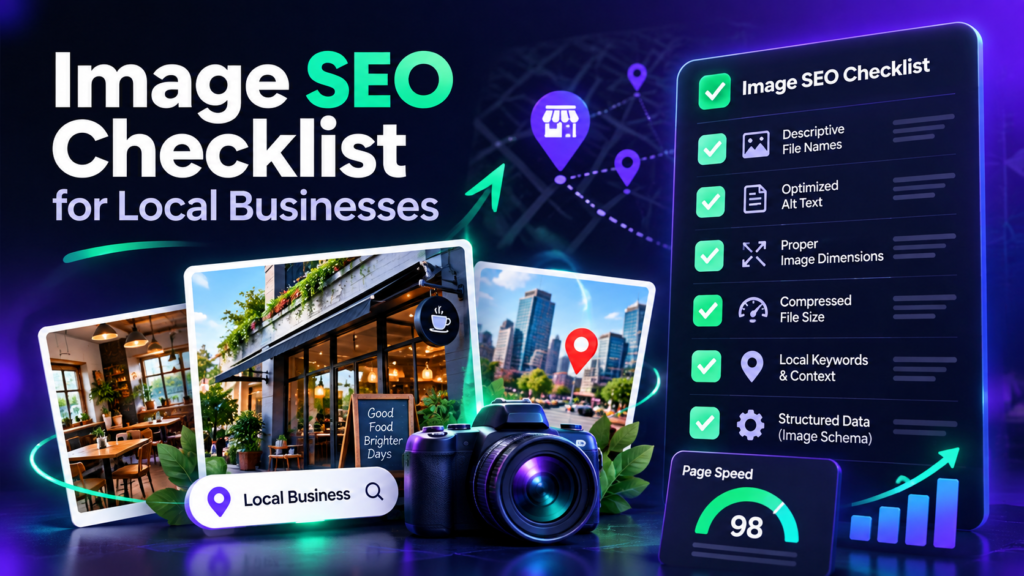
A strong local-business image SEO workflow starts with useful photos, descriptive filenames, appropriate alt text, correct page context and fast delivery. EXIF metadata can support your internal asset workflow, but it should not replace the website and Business Profile fundamentals that search platforms publicly emphasize.
Before You Take or Choose the Photo
- Use original photos that accurately represent the business, team, work, products or location.
- Choose images that help a potential customer understand the service.
- Avoid near-duplicate uploads that add no new information.
- Get permission before publishing customer faces, private properties or sensitive work areas.
1. Use a Descriptive Filename
Rename generic camera filenames such as IMG_4837.jpg to something that describes the actual image. Keep it concise and natural. A filename such as car-ac-repair-mabela-workshop.jpg is easier for a team to understand than a string of unrelated keywords.
2. Write Useful Alt Text
Alt text exists primarily for accessibility and should describe the meaningful visual content when the image needs a text alternative. Do not stuff city names or repeated service keywords into every image. If an image is decorative, it may not need descriptive alt text at all.
3. Place Images Near Relevant Content
An image about brake repair belongs near brake-repair content, not on an unrelated page merely because the filename contains a keyword. Search systems can use the surrounding page, headings and captions to understand context, so page relevance matters.
4. Optimize File Size and Dimensions
Large photos can slow a page significantly. Resize images to the dimensions the website actually needs, use an efficient format supported by your workflow, and compress carefully so important visual detail remains clear. Lazy loading below-the-fold images can also reduce initial page weight.
5. Decide What Metadata to Keep
Use the EXIF Checker before publishing. Keep metadata only when it serves a legitimate purpose. Remove precise GPS coordinates when privacy matters. If you intentionally maintain location metadata for a local-business workflow, verify that it is accurate and does not misrepresent where the image came from.
6. Prepare Business Profile Photos Carefully
Choose clear, representative images and upload the final file directly from your device. Maintain consistent branding and add fresh photos when there is genuinely something new to show. Do not treat photo frequency or geotagging as a substitute for complete categories, services, hours, reviews and accurate business information.
7. Use Structured Data Where It Actually Fits
Structured data can help machines understand the page type and entities on a page, but it should match visible content. Do not create schema solely to repeat keywords. Article pages, organization information and other supported types should be accurate and consistent with what users can see.
8. Build Internal Links Around Topics
Connect image-related guides to the relevant tool pages and related educational articles. For example, a guide about GPS coordinates should link to the EXIF Checker and geotagging tool; an EXIF privacy guide should link to metadata-removal guidance. This creates a clearer semantic structure for users and crawlers.
9. Measure Results Without Over-attribution
Use Search Console, Business Profile performance and analytics to monitor visibility and engagement. When rankings move, consider all changes made during the same period—content, reviews, categories, links, site performance, competition and proximity—not only image metadata.
Local Image SEO Checklist
- Original and relevant photo
- Descriptive filename
- Appropriate alt text
- Relevant page placement
- Compressed file size
- Correct dimensions
- Metadata/privacy review
- Direct verified upload
- Internal links to related content
- Measurement notes for later comparison
Build a Cleaner Image Workflow
Check metadata first, then add accurate location information only when it is appropriate for the image.