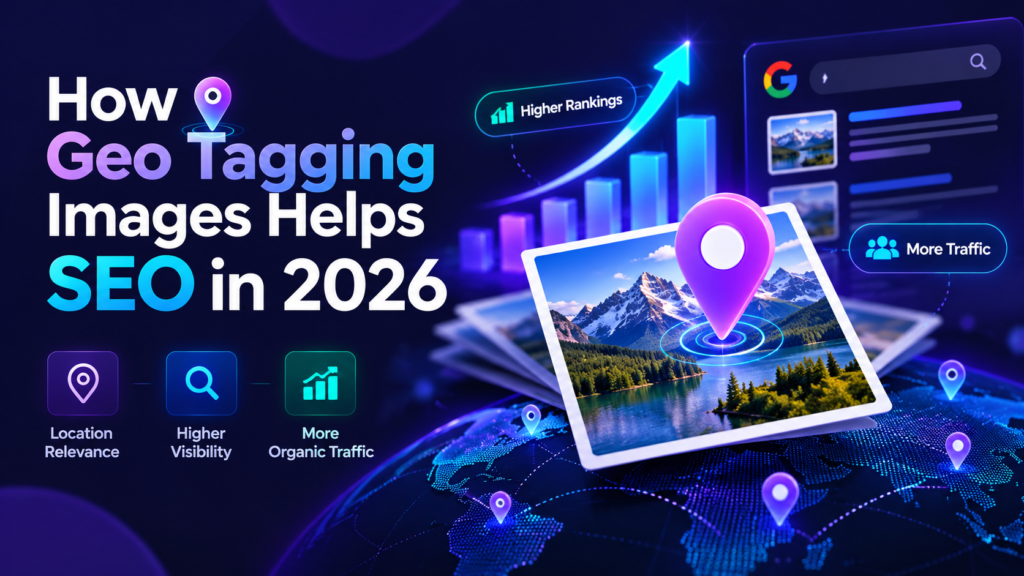
Does geo tagging images help SEO? It can be a useful metadata and workflow practice, but Google does not identify GPS EXIF as a confirmed local ranking factor. For local visibility, Google says Business Profile results are mainly based on relevance, distance and prominence. For Google Images, its published guidance puts greater emphasis on discoverable images, useful page context, high-quality files, descriptive filenames and alt text.
What Google Says About Local Ranking
Google’s Business Profile guidance says local results are mainly based on three factors: relevance, distance and prominence. Relevance is how well a profile matches the search, distance concerns the searcher’s location, and prominence reflects how well-known the business is. Google also recommends keeping business information accurate, responding to reviews and adding useful photos and videos.
GPS EXIF is not listed in that guidance as a direct ranking factor. That distinction matters because many articles present geotagging as if adding coordinates alone will move a Business Profile into the local pack. Google’s published documentation does not support that promise. See Google’s local ranking guidance.
What Google Says About Image SEO
For images on websites, Google publishes detailed image SEO guidance. The recommendations include using standard HTML image elements so images can be discovered, choosing supported formats, serving high-quality images efficiently, placing images on relevant pages, using descriptive filenames and writing useful alt text.
Google says a filename can give it very light clues about the subject of an image. It describes alt text as especially important because alt text helps both accessibility and Google’s understanding of the image. Google also considers the content of the page around the image.
Google separately documents certain image metadata for licensing and creator information, including structured data and IPTC fields. That is different from saying GPS EXIF is a general ranking factor. Review Google’s current Image SEO best practices and image metadata guidance.
Where Geo Tagging Fits in a Sensible SEO Workflow
GPS metadata can preserve where a photo was taken or where you intentionally associate it. That can be useful for internal organization, field work and verification.
A geotagging workflow often encourages people to clean filenames, add accurate descriptions and check the final image before publishing.
An EXIF checker can confirm whether the coordinates and other metadata survived export or later editing.
Geotagging can sit alongside stronger documented SEO work such as relevant page copy, alt text, image quality, Business Profile accuracy and reviews.
SEO Priority: What Deserves Attention First?
| Area | What Google documents | Priority | Role of geotagging |
|---|---|---|---|
| Business Profile accuracy | Complete and accurate business information supports relevance | High | Separate from GPS EXIF |
| Reviews and prominence | Review count, ratings and wider web prominence can affect local ranking | High | Separate from GPS EXIF |
| Relevant website content | Page context helps Google understand images and the page topic | High | Use geotagging only as supplemental metadata |
| Alt text | Important for accessibility and image understanding | High | Do not replace alt text with EXIF keywords |
| Descriptive filename | Provides very light clues about image subject matter | Supporting | Can be edited as part of the same workflow |
| GPS EXIF | Not listed as a confirmed local ranking factor | Optional | Useful when accurate location metadata serves a real purpose |
Why This Guide Does Not Promise Ranking Gains
It is easy to create a before-and-after story in which a business adds geotagged photos and rankings improve a few weeks later. The problem is attribution: local rankings can change because of reviews, competitor activity, proximity, categories, website changes, links, seasonality and many other factors. Without a controlled test, the improvement cannot responsibly be assigned to GPS metadata alone.
For that reason, this guide does not publish invented case studies, guaranteed percentages or a fixed timeline such as “rankings improve in 4–8 weeks.” If you test geotagging yourself, measure it as one variable inside a wider local SEO program rather than assuming correlation proves causation.
Website Images vs Google Business Profile Photos
Images on your website
For website image SEO, focus first on the practices Google documents: crawlable image URLs, standard HTML image elements, useful surrounding text, responsive delivery, high visual quality, descriptive filenames and accurate alt text. Compress images when necessary to improve page performance with the Image Compressor, and choose an appropriate format with the Image Converter.
Google Business Profile photos
For Business Profile photos, prioritize images that help potential customers understand the business: exterior and interior photos, products, services, work examples and other accurate visual information. Google’s Business Profile guidance encourages adding photos and videos, but it does not say that adding GPS EXIF creates a ranking boost.
When Geo Tagging Is Still Useful
- Field documentation: record where inspection, construction, property or project photos were taken.
- Asset organization: sort image libraries by location.
- Verification: confirm that a downloaded image contains the coordinates you intended to save.
- Publishing workflows: maintain accurate location metadata when a client or platform specifically requires it.
- Learning and testing: compare what different editors, converters and sharing apps preserve or strip.
A Better Image SEO Workflow
- Choose a useful image. The photo should genuinely support the page, post or Business Profile.
- Use an appropriate format and size. Compress or convert only as much as needed for quality and performance.
- Use a short descriptive filename. Avoid generic filenames and keyword stuffing.
- Write useful alt text on website images. Describe what is visible in context.
- Add GPS metadata only when it serves a real purpose. Use Geo Tag Image for supported photos.
- Verify the final file. Check GPS and other metadata with the EXIF Checker.
- Measure the correct outcome. For website images, monitor Search Console and page performance. For Business Profiles, track visibility and customer actions while remembering that multiple factors affect local ranking.
What About AI Overviews and AI Search?
There is no public Google documentation showing that adding GPS EXIF makes an image more likely to appear in an AI Overview. Avoid making that claim. A safer approach is to make the page and image easy to understand through clear text, useful image context, accurate structured data where applicable, strong image quality and crawlable resources. Those practices align with Google’s published Search guidance regardless of whether a result is shown in a traditional listing or an AI-driven feature.
Add and Verify Location Metadata
Use Geo Tag Image when a photo needs accurate GPS metadata, then check the exported file before you publish or send it.