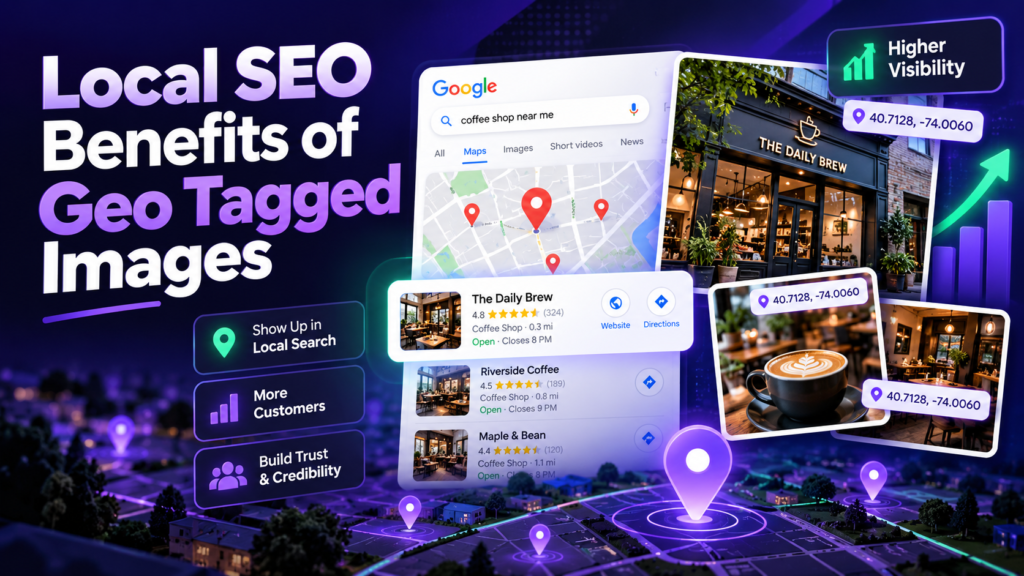
Geo-tagged images can be useful in a local marketing workflow because they preserve location context in the original asset. Their practical value is strongest when combined with accurate Business Profile data, high-quality photos, strong service/location pages, reviews and consistent brand information—not when treated as a standalone ranking hack.
Practical Benefits for Local Businesses
1. Better internal photo organization
Agencies and multi-location businesses can use location metadata to keep large photo libraries tied to the correct branch, job site or service area.
2. Cleaner publishing workflow
A repeatable process—descriptive filename, verified location, concise metadata, quality check and direct upload—reduces mistakes when multiple team members publish photos.
3. Richer source files
Keeping useful metadata in master files gives you more context for archives, handoffs and future reuse even when a platform later strips some fields.
What Actually Deserves Priority in Local SEO
- Correct business name, categories, address/service area and hours.
- Detailed services and helpful customer-facing information.
- Relevant local landing pages that answer real questions.
- Genuine reviews and professional responses.
- Consistent citations and authoritative local/industry links.
- Useful photos and videos that accurately represent the business.
Website Image SEO Checklist
Use descriptive file names, sensible compression, explicit dimensions, responsive images, descriptive alt text, captions when useful and relevant surrounding copy. Make important images crawlable and avoid hiding essential meaning only inside an image.
How to Measure Results
Track changes in Search Console, Business Profile performance and local rank grids over comparable periods. Do not attribute a movement to geotagging alone when categories, reviews, page content, links or proximity also changed. Keep a change log so your analysis stays honest.
Recommended Multi-Location Workflow
- Create one folder per location or branch.
- Keep original photos and optimized exports separately.
- Use a consistent filename convention.
- Add accurate location metadata only where appropriate.
- Verify exported files.
- Publish the most useful photos to the matching location profile and relevant website page.
- Record the publish date and page/profile used.
Build a Cleaner Local Photo Workflow
Add location data when it is useful and verify every export before publishing.
Why Photos Still Matter Without an EXIF Ranking Claim
Photos help potential customers understand what a business looks like, what it sells, the quality of its work and whether the listing appears current. That customer-facing value is reason enough to maintain a strong photo library. Google also encourages businesses to add useful photos and videos to help complete the profile and tell the story of the business.
For service businesses, useful images can show real jobs, equipment, teams and before/after context. For retail and hospitality, they can show products, interiors, entrances and amenities. The goal is to reduce uncertainty for the searcher, not to manufacture a ranking signal.
A Better Structure for Multi-Location Brands
Create a separate image folder for every physical branch and use consistent naming conventions such as city-branch-service-subject.jpg. Pair those assets with the matching branch landing page and Business Profile. This prevents one location’s photos from being reused everywhere and improves content relevance at the page level.
Connect Photos to Semantic Content Clusters
An optimized image is more useful when it sits inside a page that clearly covers the same entity and intent. A brake-repair photo belongs on a brake service page, a storefront image belongs on a branch page, and a product image belongs on the relevant product or service section. This alignment between visual subject, page topic, headings and internal links creates a clearer information architecture.
Reporting Without Overclaiming
If rankings improve after a photo campaign, report the full set of changes made during the period: new reviews, category edits, service-page updates, citations, links, proximity changes, seasonal demand and photo activity. Correlation is useful for forming hypotheses, but it is not proof that GPS metadata caused the movement.